
YAML Deployments
This guide is maintained for Ruk-Com PaaS. Screens and options may vary by platform version and account permissions.
Confirm the environment, region and account permissions, and back up current settings before changing a production system.
Kubernetes natively supports deployments from both JSON and YAML files. However, among the community, YAML is a more frequent option and can be considered a standard.
Deployment from YAMLs is somewhat similar to the Helm charts - the .yaml or .yml file provides object definition or a list of objects. Herewith, it can be directly applied in Kubernetes Dashboard or with the kubectl command-line tool without any additional software installation.
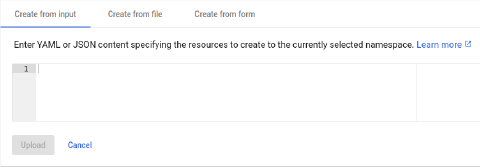 When working over kubectl, use the apply command with the correct path to your deployment YAML file:
bash Copy
kubectl apply -f /path/to/deployment.yaml
On the other hand, the benefit of the Helm charts is advanced flexibility (support of the conditions, replacements, parameters, etc.).