Memcached Configuration
This guide is maintained for Ruk-Com PaaS. Screens and options may vary by platform version and account permissions.
Confirm the environment, region and account permissions, and back up current settings before changing a production system.
The following Memcached configuration files are available:
| Folder | File | Path |
|---|---|---|
| conf | memcached | /etc/sysconfig |
| keys | /var/lib/Ruk-Com PaaS/keys |
More information about Memcached usage you can find in the Memcached document.
CONF
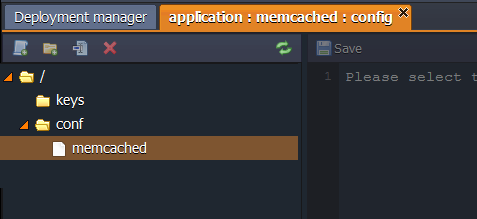
The main Memcached configuration file is located in the conf folder.
KEYS
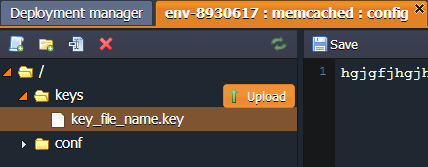
The keys directory is used as a location for uploading any private key which is needed for your application.
Generate the key, save it as a simple file and upload to the key folder.
Now you can use it for different cases by simply stating the path to your key:
/var/lib/Ruk-Com PaaS/keys/{key_file_name}