
Database Configuration
This guide is maintained for Ruk-Com PaaS. Screens and options may vary by platform version and account permissions.
Confirm the environment, region and account permissions, and back up current settings before changing a production system.
Objective
This guide explains how to use Database Configuration on Ruk-Com Cloud PaaS, with ordered procedures and practical verification points.
Before you begin
- Sign in with an account permitted to manage the relevant environment.
- Confirm the target environment, region and resources before saving changes.
- Create a backup or rollback plan before changing a production system.
Database configuration
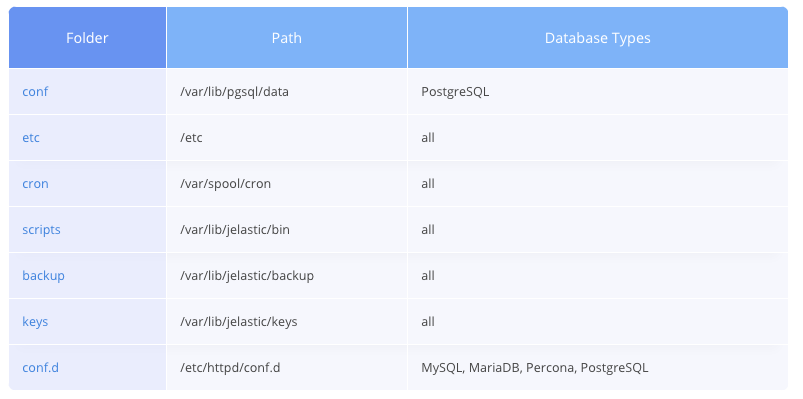
In this guide, we'll show you all the main configuration files associated with a Database Server. Each type of Config file is stored in a different folder:
ETC folder
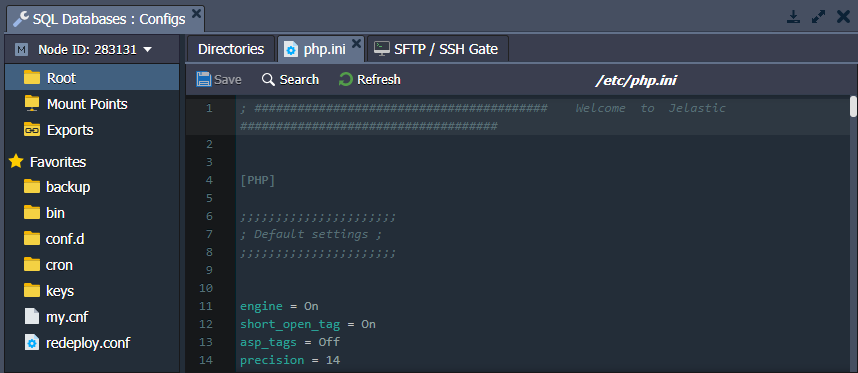
PHP configuration is performed in the php.ini file located in the etc folder.
MySQL, MariaDB, and Percona include a my.cnf configuration file for database management. Note that Ruk-Com automatically manages the following settings in this file based on memory and CPU usage.
- key_buffer_size
- table_open_cache
- myisam_sort_buffer_size
- innodb_buffer_pool_size
If you want to change the settings listed above manually. You will need to remove the first line of the my.cnf file (#Ruk-Com PaaS autoconfiguration mark.)
Alternatively, you can override settings in the /etc/my.cnf file (including those handled by Ruk-Com's automatic markers) by specifying them in the file. /etc/mysql/conf.d/custom.cnf
FolderCRON
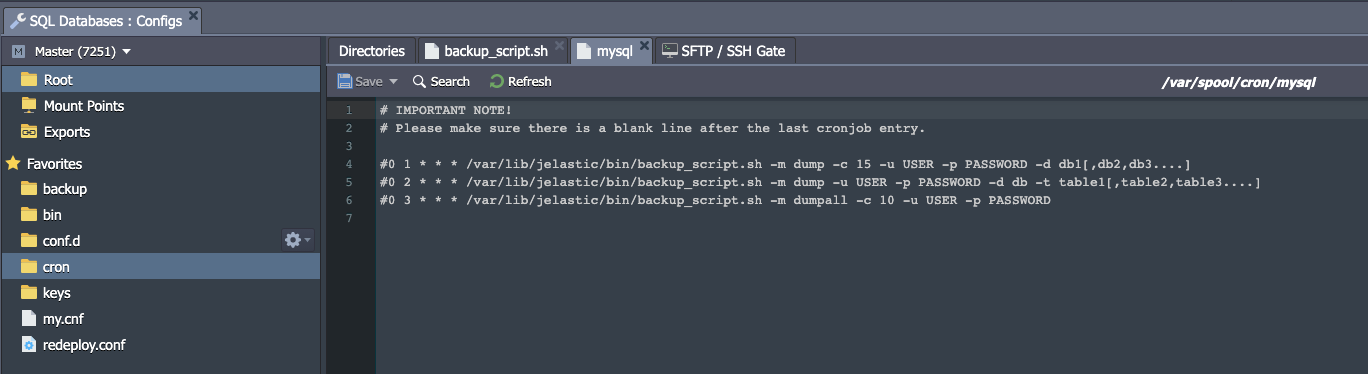
The database server consists of folders. /var/spool/cron With a config file, cron's behavior can be configured.
For example, you can definescheduled backupsThe required cron expressions are included in the cron config file by default. You will need to remove the comments (#) in order for Cron to run and modify parameters as desired.
You can find more information in the documentation link.Setting Up Cronjob
FolderSCRIPTS
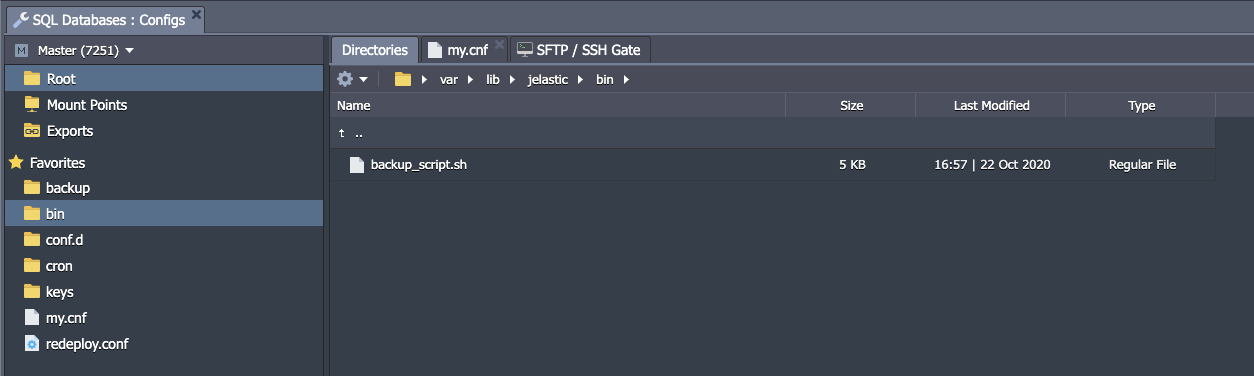
This folder contains scripts.backup_script.shis the default You can use folders./var/lib/Ruk-Com PaaS/binFor uploading your own custom scripts
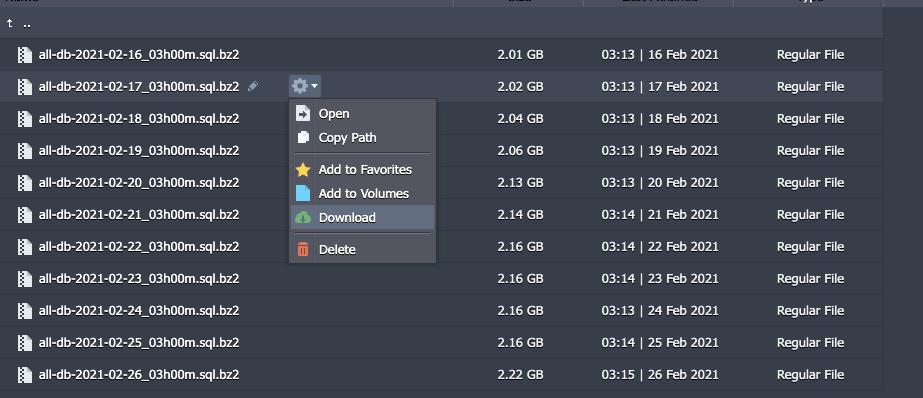
backup folder
Folder/var/lib/Ruk-Com PaaS/backupThis is used for storing database backup files.database backupYou can use this file for database recovery.
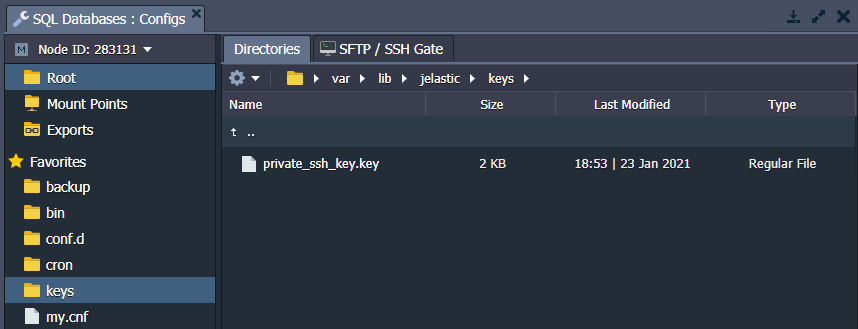
Folderkeys
Directory/var/lib/Ruk-Com PaaS/keysUsed as a location for uploading private keys required for applications.
Create a key, save it like a normal file and upload it to the keys folder. You can then use it for different cases by specifying only the path to your key, e.g. /var/lib/Ruk-Com PaaS/keys/{keyName}.
Folderconf.d
Folder/etc/httpd/conf.d Usually used to store data and manage it.Minor settings
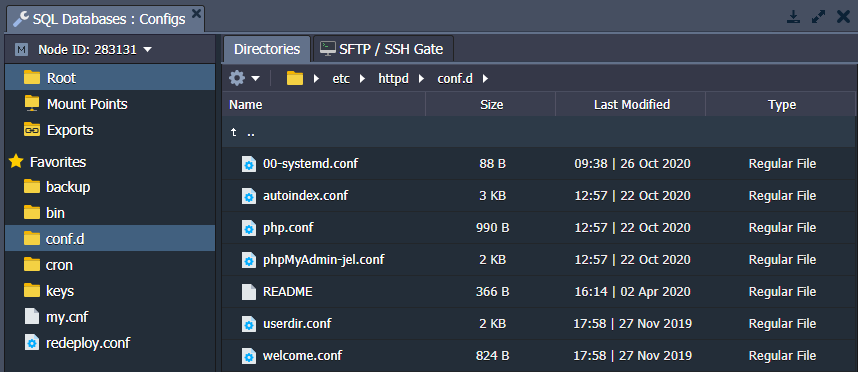
For example, you can access the admin file configuration panel. (depending on the database, e.g.phpMyAdmin-jel.conffor MySQL) via folderconf.dUse these files to define appropriate criteria for allowing/denying access by IP address or domain.
conf folder
The main configuration files of the PostgreSQL database server are located in the folder The /var/lib/pgsql/data example includes an example configuration. postgresql.conf, pg_hba.conf, pg_ident.conf etc.
Ruk-Com PaaS manages 2 parameters in the file /var/lib/pgsql/data/postgresql.conffollowing automatically For PostgreSQL databases
- shared_buffers– Calculate 1/4 of the Memory in the container with more than 8 cloudlets. If less than 8 cloudlets, the calculation will decrease accordingly but the number is less than 128KB.
- max_stack_depth– Calculated as subtracting 1024 from the maximum stack size. (response of command ulimit -s) will convert to MB.
If you want to change these settings manually, you can comment out the first line of the file to prevent automatic configuration.