
Connecting Node.js applications to MySQL/MariaDB
This guide is maintained for Ruk-Com PaaS. Screens and options may vary by platform version and account permissions.
Confirm the environment, region and account permissions, and back up current settings before changing a production system.
Objective
This guide explains how to use Connecting Node.js applications to MySQL/MariaDB on Ruk-Com Cloud PaaS, with ordered procedures and practical verification points.
Before you begin
- Sign in with an account permitted to manage the relevant environment.
- Confirm the target environment, region and resources before saving changes.
- Create a backup or rollback plan before changing a production system.
MySQL and MariaDB are very popular open source SQL databases. Used by some of the world's largest organizations In this section of the guide we will show you how to easily connect your Node.js application to a MySQL or MariaDB server.
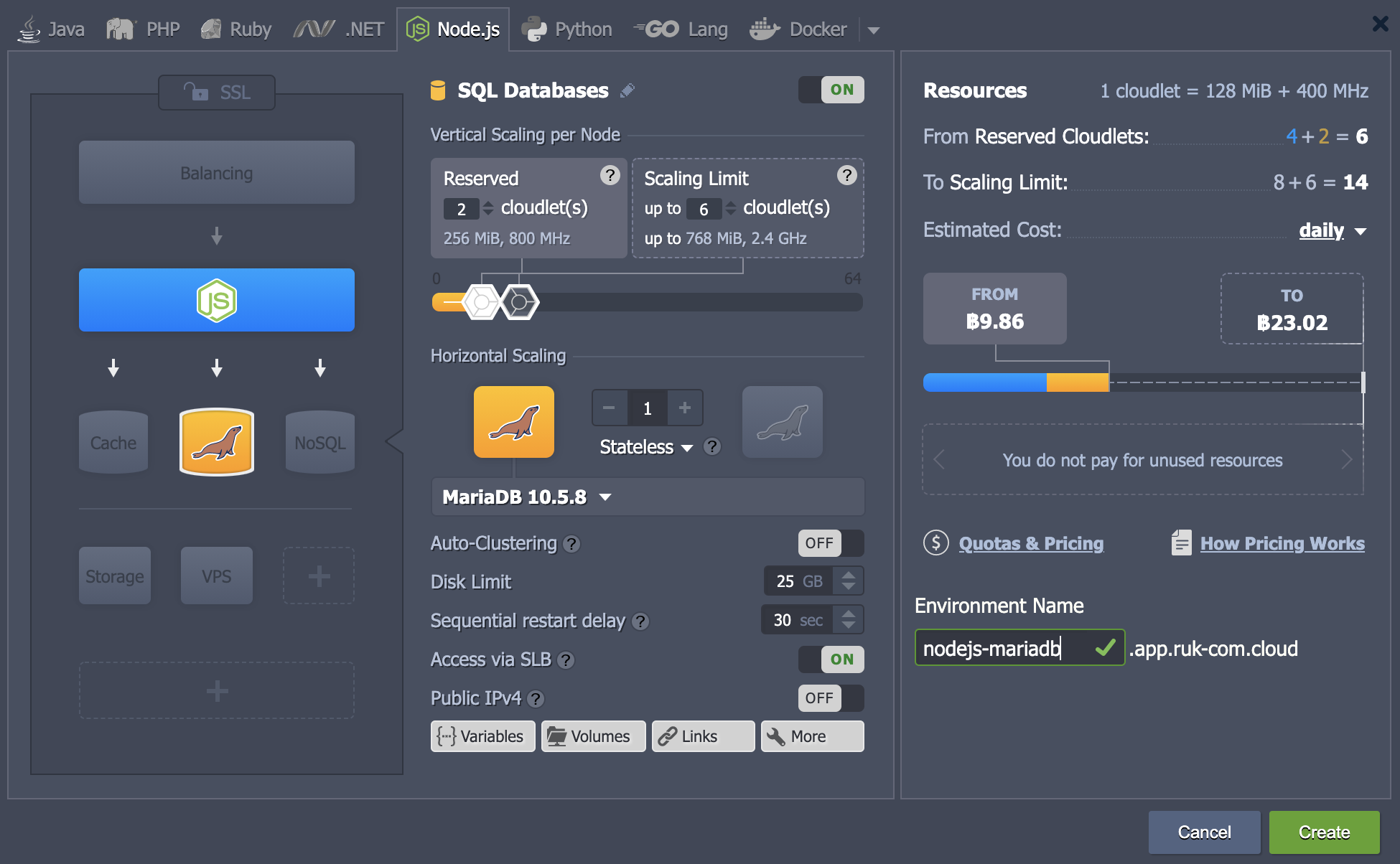
- Login to your Ruk-Com account and create an Env with the MySQL (or MariaDB) database server. We also added a NodeJS compute node for this tutorial.
- Access your NodeJS server via SSH, for example with a Web SSH client.
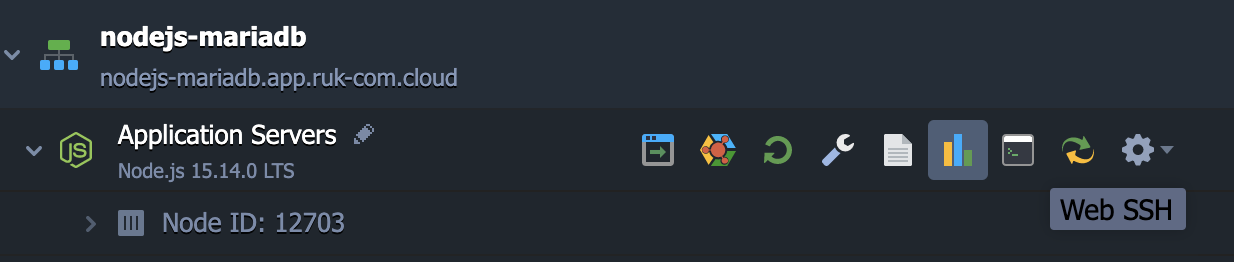
- Once connected, use the official MySQL driver for Node.js. (Compatible with MariaDB) by executing the following command.
npm install mysqlNote
MySQL driver for Node.js is still being tested. Therefore, if a deprecation warning is displayed while running this server version, You may need to install a trial version.
npm install mysqljs/mysql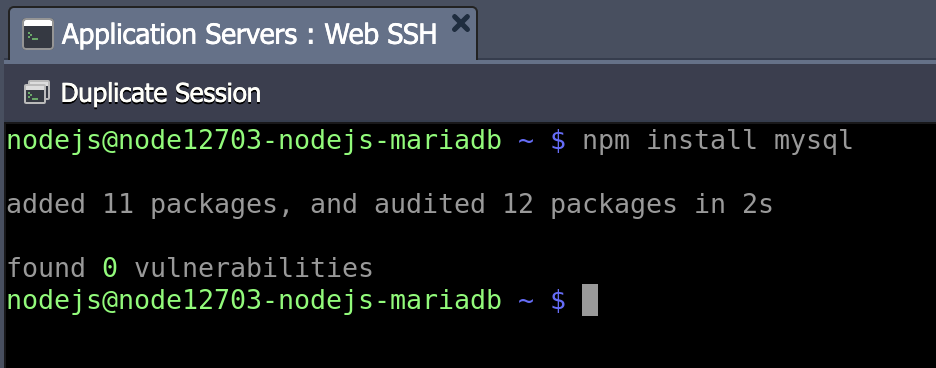
Installation will be completed soon.
- Provide a simple Node.js script to verify access. Create a file with the extension.js using any text editor (such as vim script.js).
var mysql = require('mysql');
var con = mysql.createConnection({
  host: "{host}",
  user: "{user}",
  password: "{password}",
  database: "{database}"
});

con.connect(function(err) {
  if (err) throw err;
  console.log("You are connected!");
});
con.end();
The fields where the code should be entered should be replaced with the appropriate connection information. (available in the email for your MySQL/MariaDB container)
- {user}- Username for logging into the database
- {password}- Password for appropriate user
- {host}- Connect to MySQL/MariaDB container
- {database}- The database you want to access (such as mysql by default)
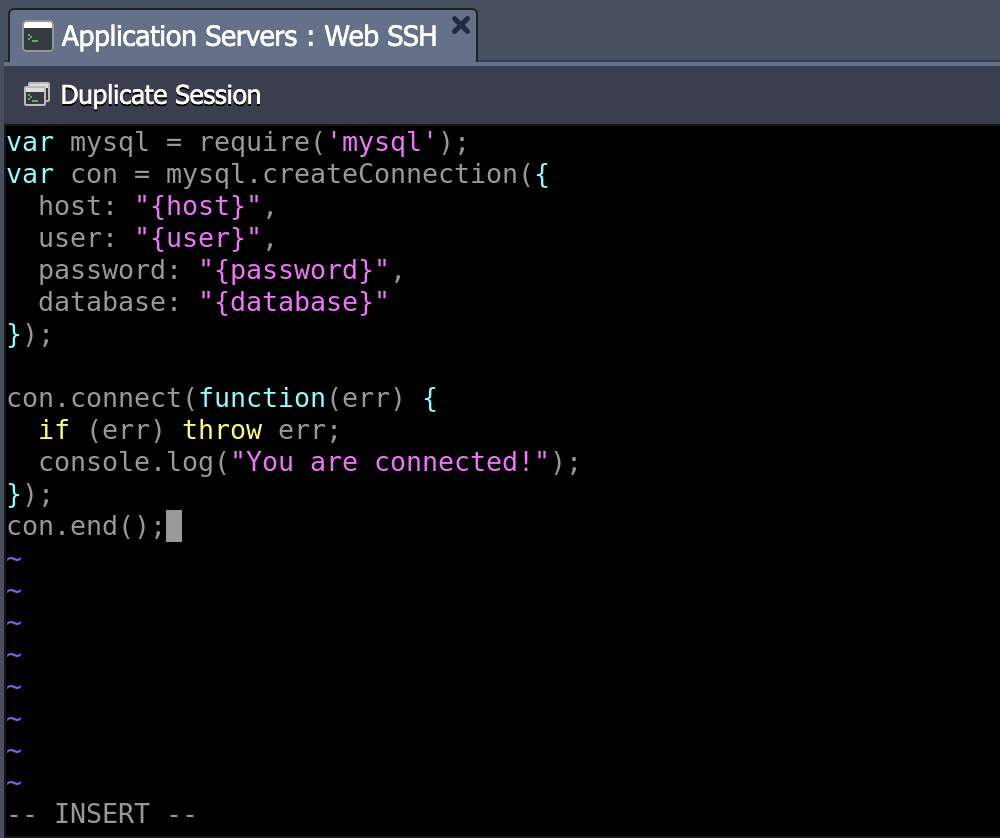
Use this script You can verify the connection to the database from your application server. And if it fails, you will receive an explanation of the error that occurred.
- Run the code with the appropriate command.
node script.js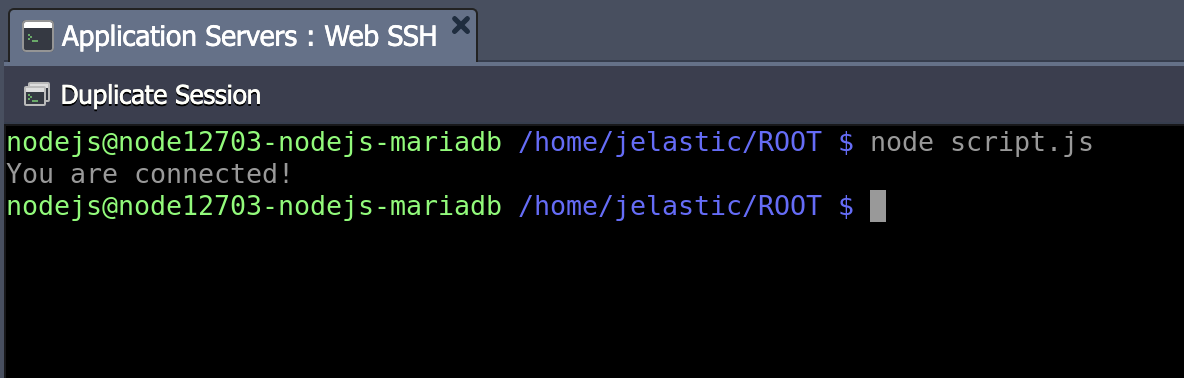
If the message You are connected!” appears in the terminal. The connection is considered successful. If it fails, there will be an explanation of the error that occurred. You can now ensure that your database container is accessible.expand the codeTo go live on your database server