
Variables
This guide is maintained for Ruk-Com PaaS. Screens and options may vary by platform version and account permissions.
Confirm the environment, region and account permissions, and back up current settings before changing a production system.
At the Variables tab, you can view and manage a list of the environment variables for the current layer.
In case of container linking, variables from other nodes within the environment will be also displayed in the same tab with a special prefix. In addition, they can be edited on a fly, automatically applying changes to all source and target containers.
- To state a custom variable, click the Add button and fill in the appeared cells with the required variable Name and Value.
Note: Variable names should only contain Latin letters, numbers, and underscore “_” characters.
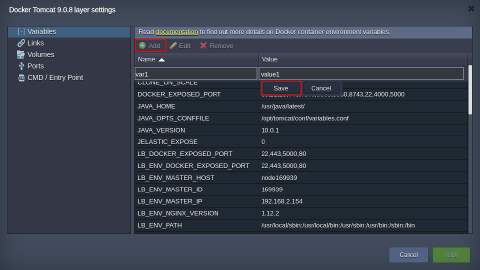 Don’t forget to Save your variable.
- Beside adding, you can also Edit and Remove the already existing records (except some default ones) with the help of the same-named buttons.
Tip: Here are a few hints for speeding up the configuration process:
- double clicking on a variable will immediately switch you to its editing
- in case you need to remove several records, you can select them using the Shift or Ctrl buttons
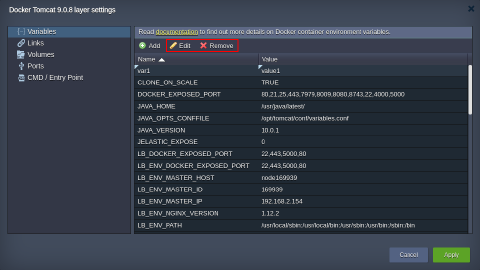 3. Click on Apply to save all the changes made in the Docker layer settings frame and, if required, one more time at the wizard window to apply them.