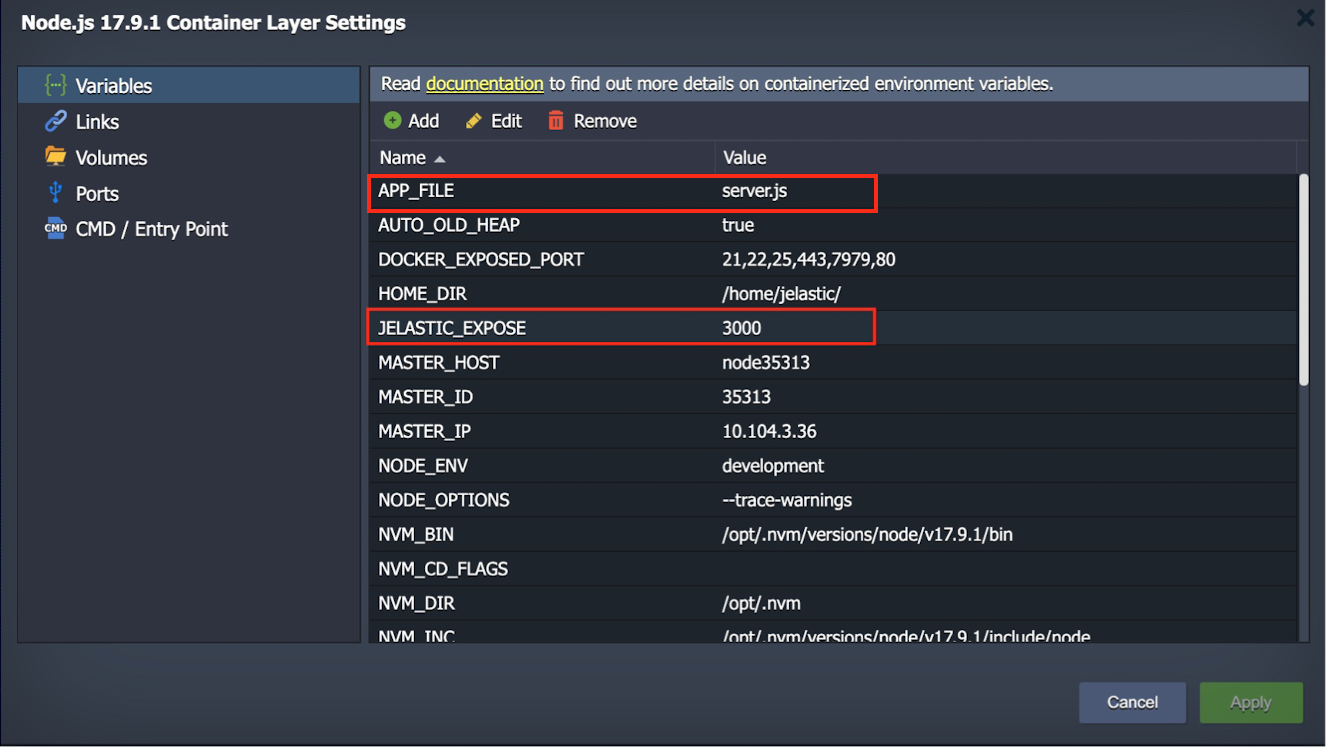
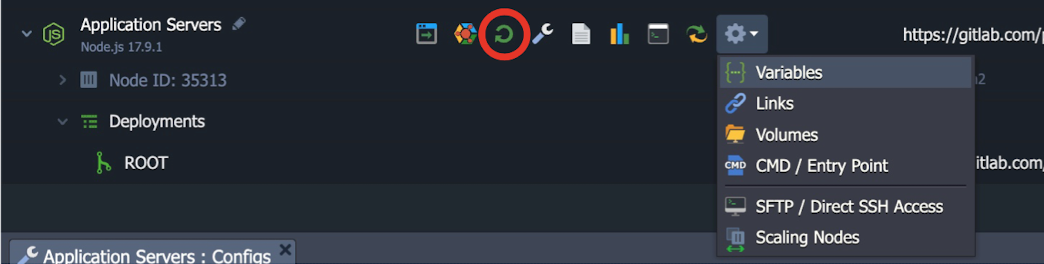
NodeJS Deployment
This guide is maintained for Ruk-Com PaaS. Screens and options may vary by platform version and account permissions.
Confirm the environment, region and account permissions, and back up current settings before changing a production system.
Objective
This guide explains how to use NodeJS Deployment on Ruk-Com Cloud PaaS, with ordered procedures and practical verification points.
Before you begin
- Sign in with an account permitted to manage the relevant environment.
- Confirm the target environment, region and resources before saving changes.
- Create a backup or rollback plan before changing a production system.
How to deploy NodeJS via Git
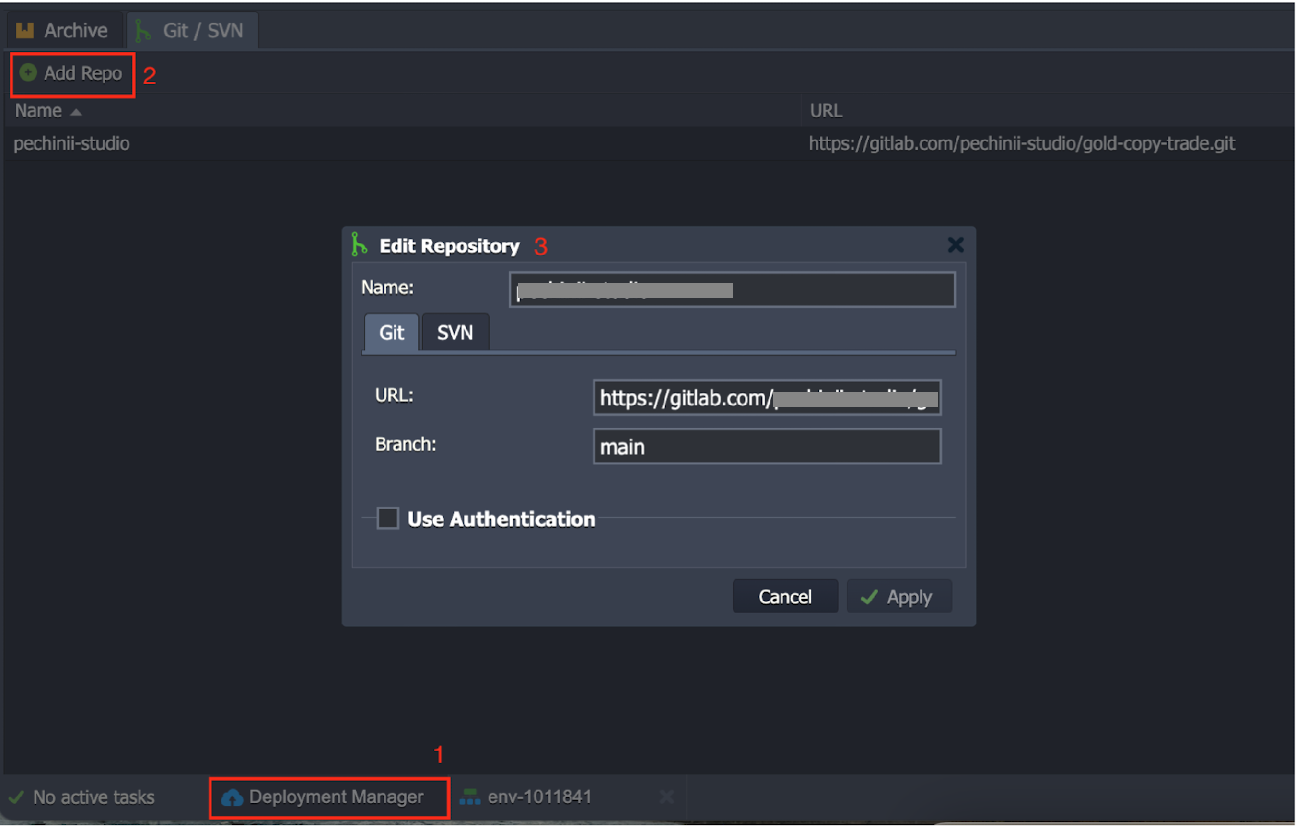

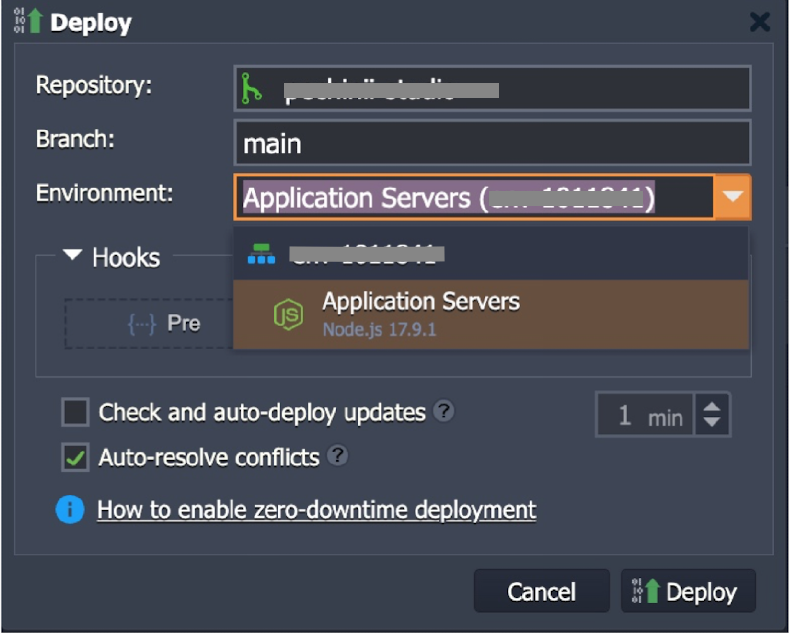
pm2 init simplemodule.exports = {
apps : [{
name : "app1",
script : "./ server.js"
}]
}cd /home/jelastic/ROOT
pm2 start ecosystem.config.js
pm2 save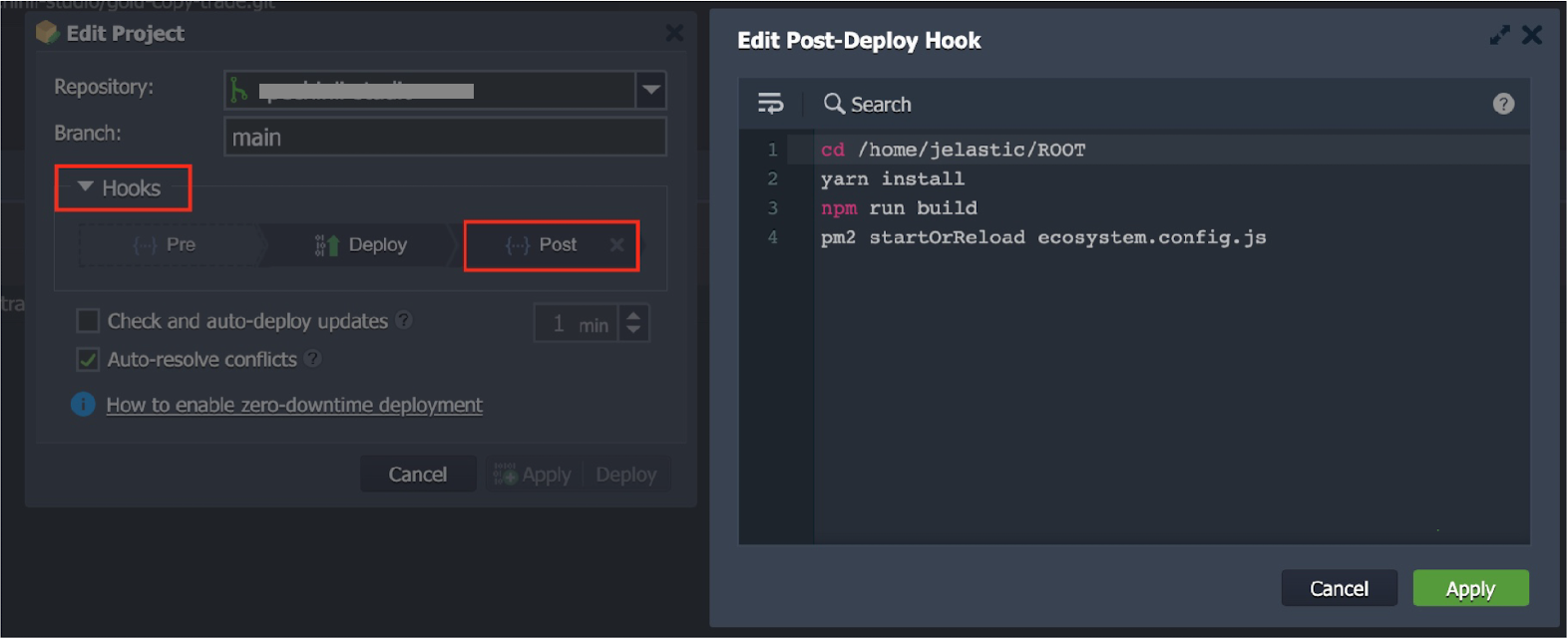
cd /home/jelastic/ROOT
yarn install
npm run build
pm2 startOrReload ecosystem.config.js