
Eclipse Jetty
This guide is maintained for Ruk-Com PaaS. Screens and options may vary by platform version and account permissions.
Confirm the environment, region and account permissions, and back up current settings before changing a production system.
Eclipse Jetty is an open source Java-based HTTP (web) server, which provides the latest Java Servlet API, HTTP/2 protocol, WebSocket support and more. Jetty is widely used within various projects and products (both in development and production) due to the following features:
- open source and commercially usable
- flexible and extensible
- asynchronous
- small footprint
- enterprise scalable
Note: This template utilizes a modern systemd initialization daemon.
To get an Eclipse Jetty application server at the platform, you need to:
- Access your PaaS account and click New Environment button at the top.
 2. Within the opened topology wizard, switch to the Java tab and pick Jetty as your application servers:
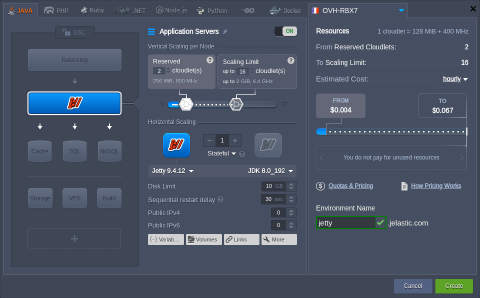 Adjust other settings up to your needs (e.g., vertical and horizontal scaling or public IPs) and click Create.
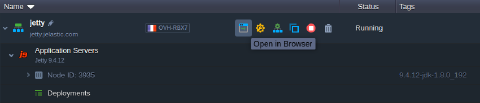
- Once the environment is created, you can click the Open in Browser button next to it.
 A Jetty server home page will be opened in a new browser page:
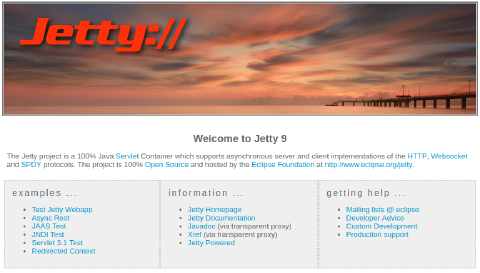 As you can see the Eclipse Jetty server is up and running, so you can proceed to the application deployment.