
MySQL/MariaDB connection for Python applications
This guide is maintained for Ruk-Com PaaS. Screens and options may vary by platform version and account permissions.
Confirm the environment, region and account permissions, and back up current settings before changing a production system.
Objective
This guide explains how to use MySQL/MariaDB connection for Python applications on Ruk-Com Cloud PaaS, with ordered procedures and practical verification points.
Before you begin
- Sign in with an account permitted to manage the relevant environment.
- Confirm the target environment, region and resources before saving changes.
- Create a backup or rollback plan before changing a production system.
MariaDB and MySQL are extremely popular among developers around the world. When looking for an open source SQL database In this section of the guide we will show you how to connect a Python application to a local host.Ruk-Com PaaSGo to one of these database servers.
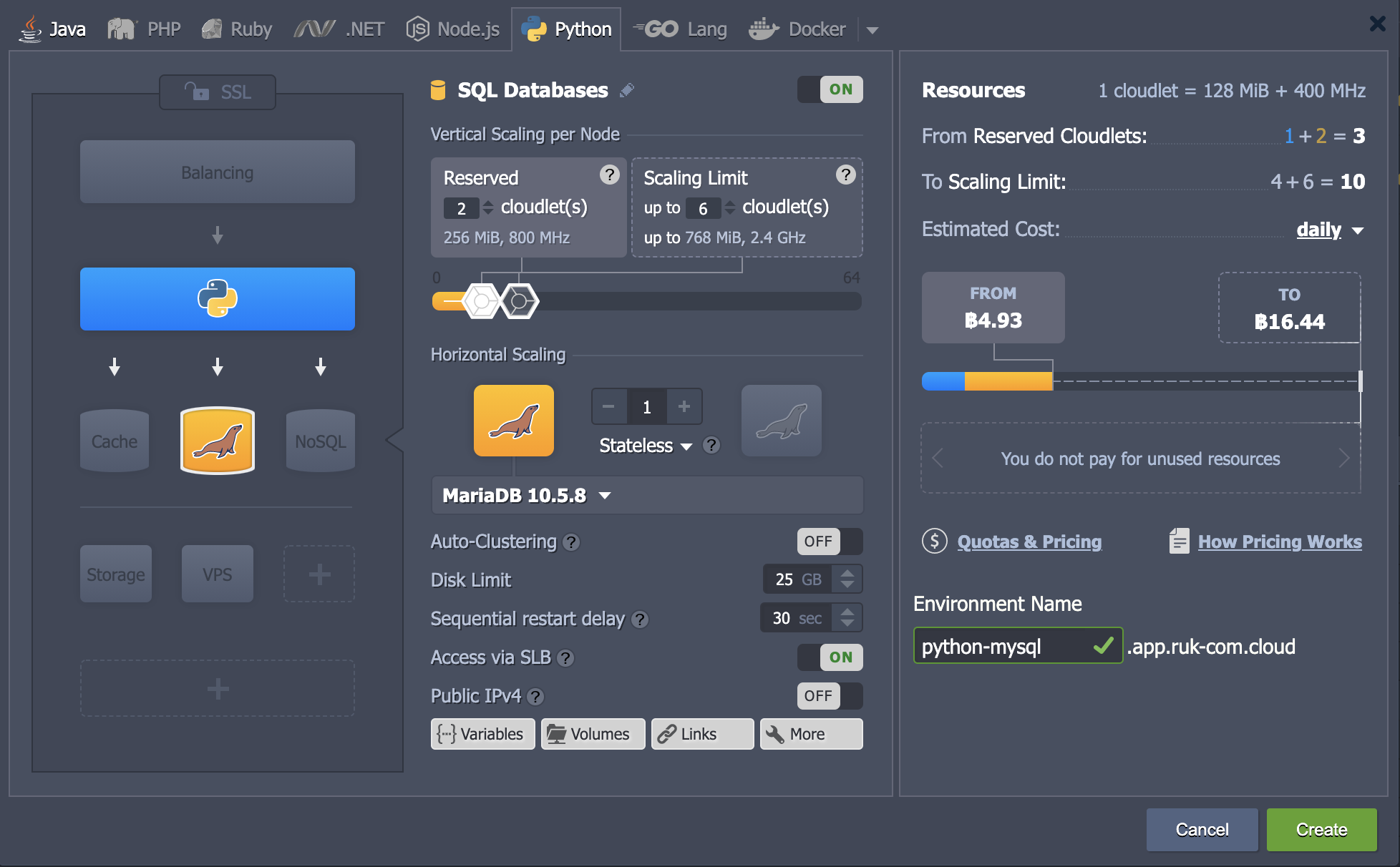
- Login to the Ruk-Com Dashboard and create a new Env for both the Python and MySQL (or Python and MariaDB) servers.
Tips
Finding instances within a single Env is only an example. You can create connections between different Envs in the same way.
- After creating an Env, access your application server through the Ruk-Com SSH Gate, for example by pressing a button.Web SSH
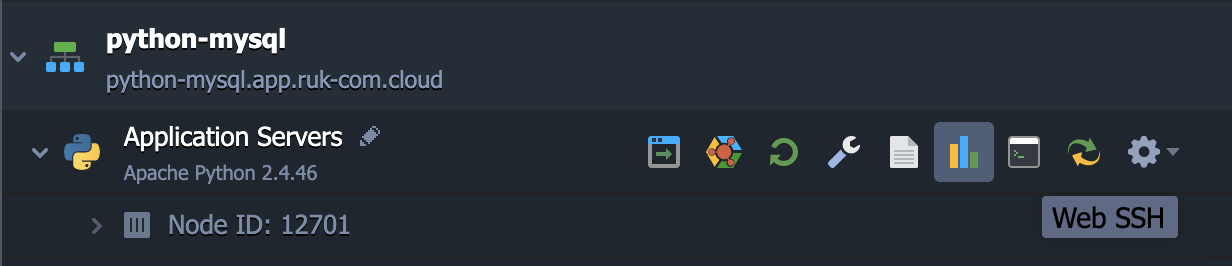
A terminal emulator with automatic SSH connection to your node will be opened in the appropriate tab.
- Now let's install it.MySQL connector for Python(It works great with MariaDB) with the following command.
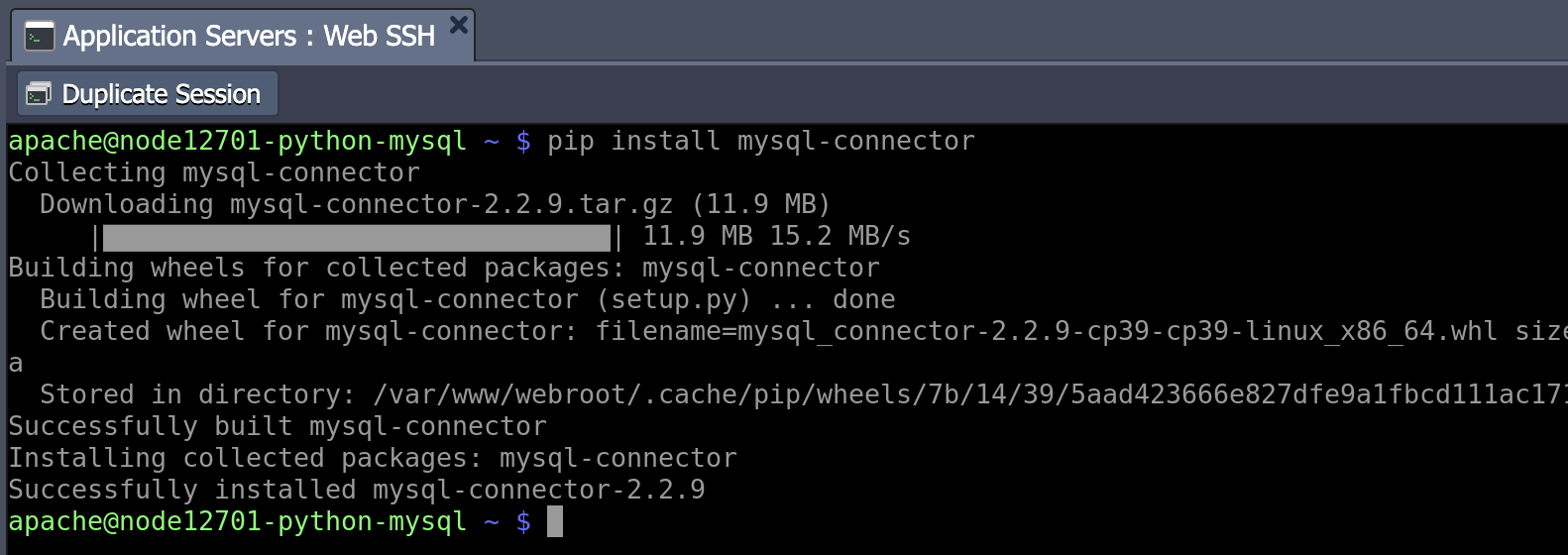
pip install mysql-connectorNote
In the case of using a newer version of MySQL connection You must install Protobuf C++ of version 2.6.0 or higher.
- Next, let's create a simple Python script to create a database connection. You can use any text editor you want for this task. The same applies to file names with the extension.py (e.g. vim script.py).
import mysql.connector
from mysql.connector import errorcode

config = {
    'user': '{user}',
    'password': '{password}',
    'host': '{host}',
    'database': '{database}'
}

cnx = cur = None
try:
    cnx = mysql.connector.connect(**config)
except mysql.connector.Error as err:
    if err.errno == errorcode.ER_ACCESS_DENIED_ERROR:
        print('Something is wrong with your user name or password')
    elif err.errno == errorcode.ER_BAD_DB_ERROR:
        print("Database does not exist")
    else:
        print(err)
else:
    print("You are connected!")
finally:
    if cur:
        cur.close()
    if cnx:
        cnx.close()
Now you need to adjust the string connections. (All required information is provided in the email for your MySQL/MariaDB node)
- {user} – Username for logging into the database.
- {password} - Password for the appropriate user.
- {host} - connect to MySQL/MariaDB container
- {database} - The database to access (e.g. mysql by default)
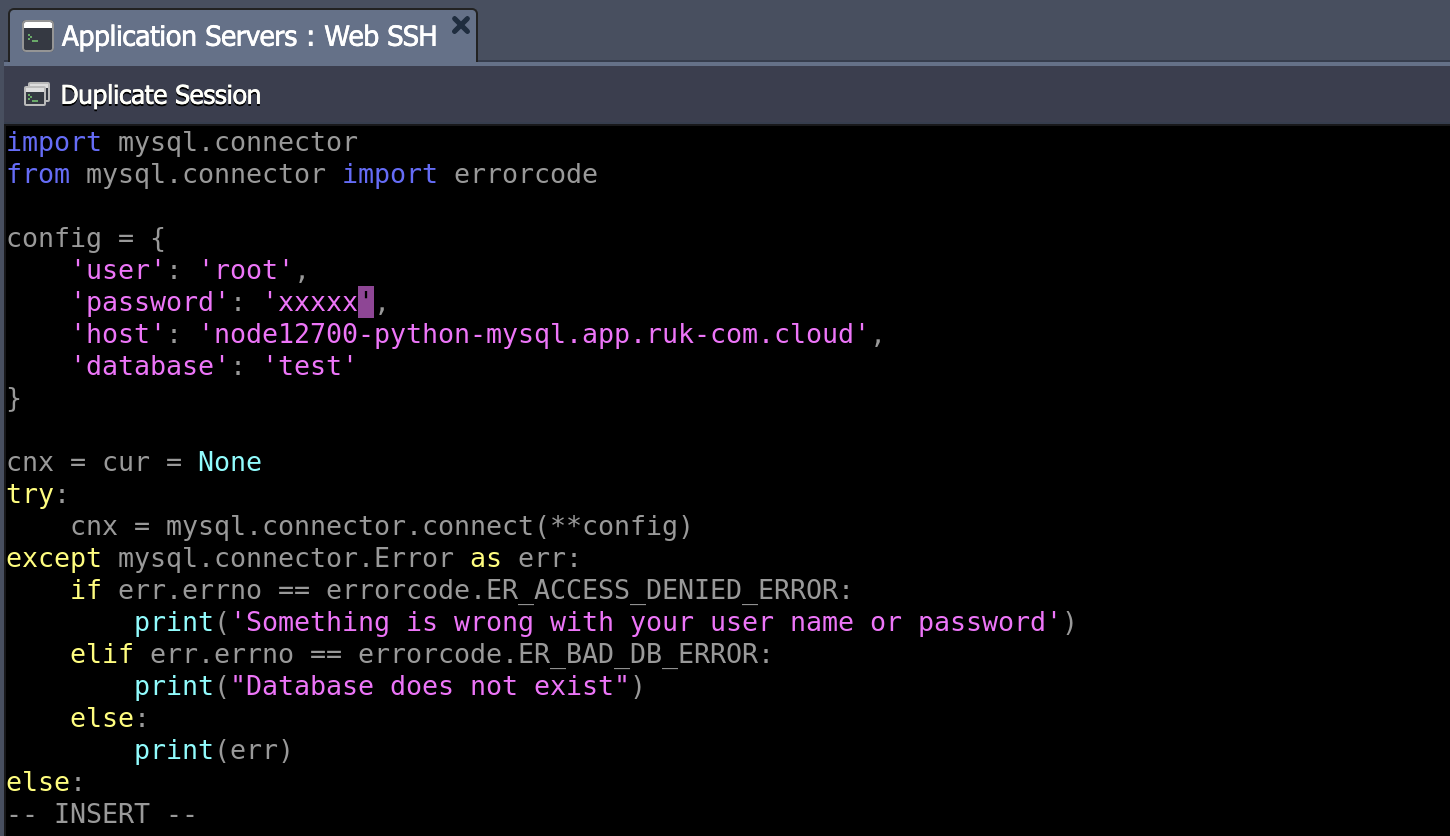
This script will connect to the specified database server with the credentials details provided and will display a connection error (if any) or the message “You are connected!”
- So, let's try running our code with the appropriate command.
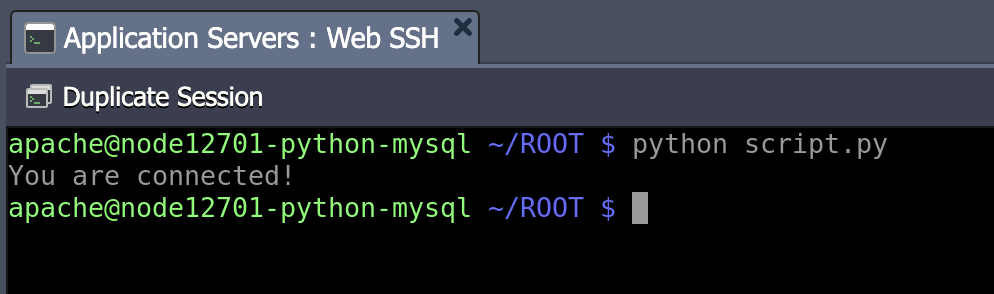
python script.pyIf the message You are connected!” appears in the terminal. The connection is considered successful. You can now ensure that your database server is accessible and you canextend the codeto perform as desired